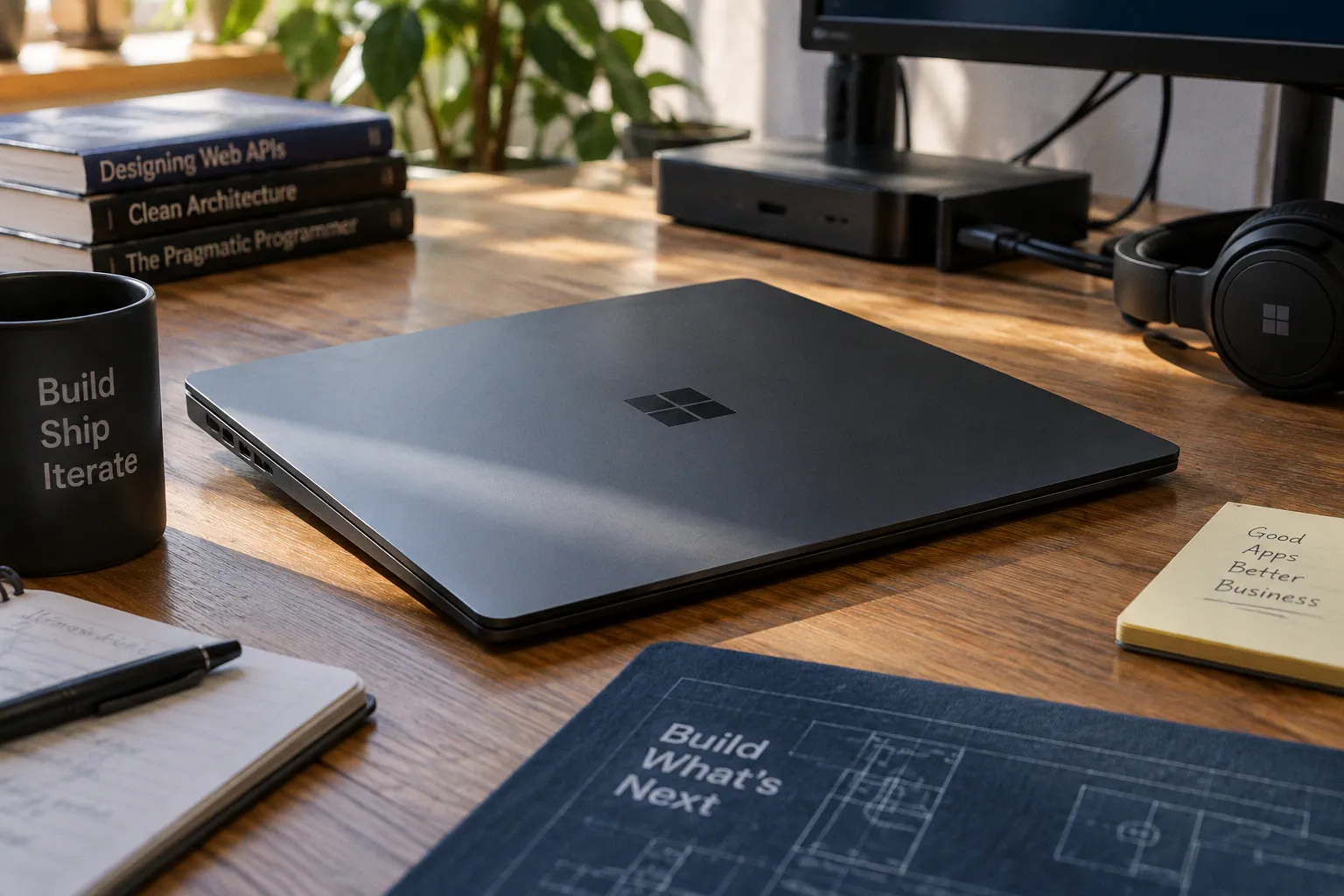
Microsoft has finally given its developer-tuned Windows experiment a proper name, and according to The Verge, the effort first teased at Build now carries the label Project Zenith — shipping first on miniature PCs built around AMD's Ryzen AI Halo silicon and pitched as proper developer workstations rather than casual hardware.
The Hardware Brief Reads Like Cloud Disobedience
This is the part that deserves attention. Project Zenith devices, as Microsoft describes them, are tuned to run 30-billion-parameter models locally and unmetered, meaning the iterative loop of prompting a model, reviewing the diff, and refining stops being a budgeted line item and starts being a workstation reflex. For an engineer who has watched AI tooling quietly turn into a metered utility, that distinction matters more than the marketing copy suggests. Local inference isn't a novelty here — it's the substrate the rest of the stack is being built on.
If Microsoft actually holds the line on that unmetered posture as the silicon lineup diversifies, we are looking at the first credible attempt to put the AI-assisted development loop back behind the keyboard's reach instead of behind a credit card. That has implications well beyond Windows — and for any team deciding where their custom business tooling should live.
The Preconfigured Stack Is a Quiet Editorial
Read the preinstalled manifest — Visual Studio Code, GitHub Copilot, PowerToys, WinAppCLI, Windows Dev Skills — and notice what is missing before you celebrate what is there. No Visual Studio. No click-once enterprise scaffolding. The PowerToys Command Palette is on by default; Start menu tips and account notifications are off. File Explorer has been reconfigured to display extensions, hidden files, and the full path in the title bar. Long-path support is enabled. The recently-used list and sync provider nags are disabled.
That is not a feature list. That is a craft statement. Someone at Microsoft actually sat down and asked which defaults fight the engineer and which ones help them, then shipped the answer. For a platform that spent a decade papering over its own config dialogs with brittle defaults, this reads closer to an elegant apology than a release note — and it tells custom-app shops something useful about where the baseline Windows developer experience is being reset.
The Native App Question Hangs Over It
Project Zenith lands the same week Microsoft published a quick-start guide promising an empty-folder-to-Microsoft-Store WinUI app in roughly thirty minutes, plus AI-assisted migration playbooks for legacy WPF and UWP codebases moving to WinUI. WinUI is now fully open source, and Microsoft has dropped the "3" from its name — a small piece of nomenclature doing heavy lifting, signaling that the framework will not be replaced again under the same label.
The deeper bet is straightforward: if the developer PC becomes a competent place to live — locally powerful, preconfigured, distraction-free — then the native Windows app ecosystem might finally get the foundation it has been borrowing from web wrappers for years. Whether the AI-assisted migration story holds up against real codebases is the next thing worth watching, because substitution tables and starter prompts are not the same thing as a working refactor. The brittle edges tend to show up first in legacy threading, DPI handling, and data binding code.